Innovations / Solutions / Applications / Cloud-Native
AgileGuru Engineering blog on innovative solutions and technical excellence by engineers and architects.
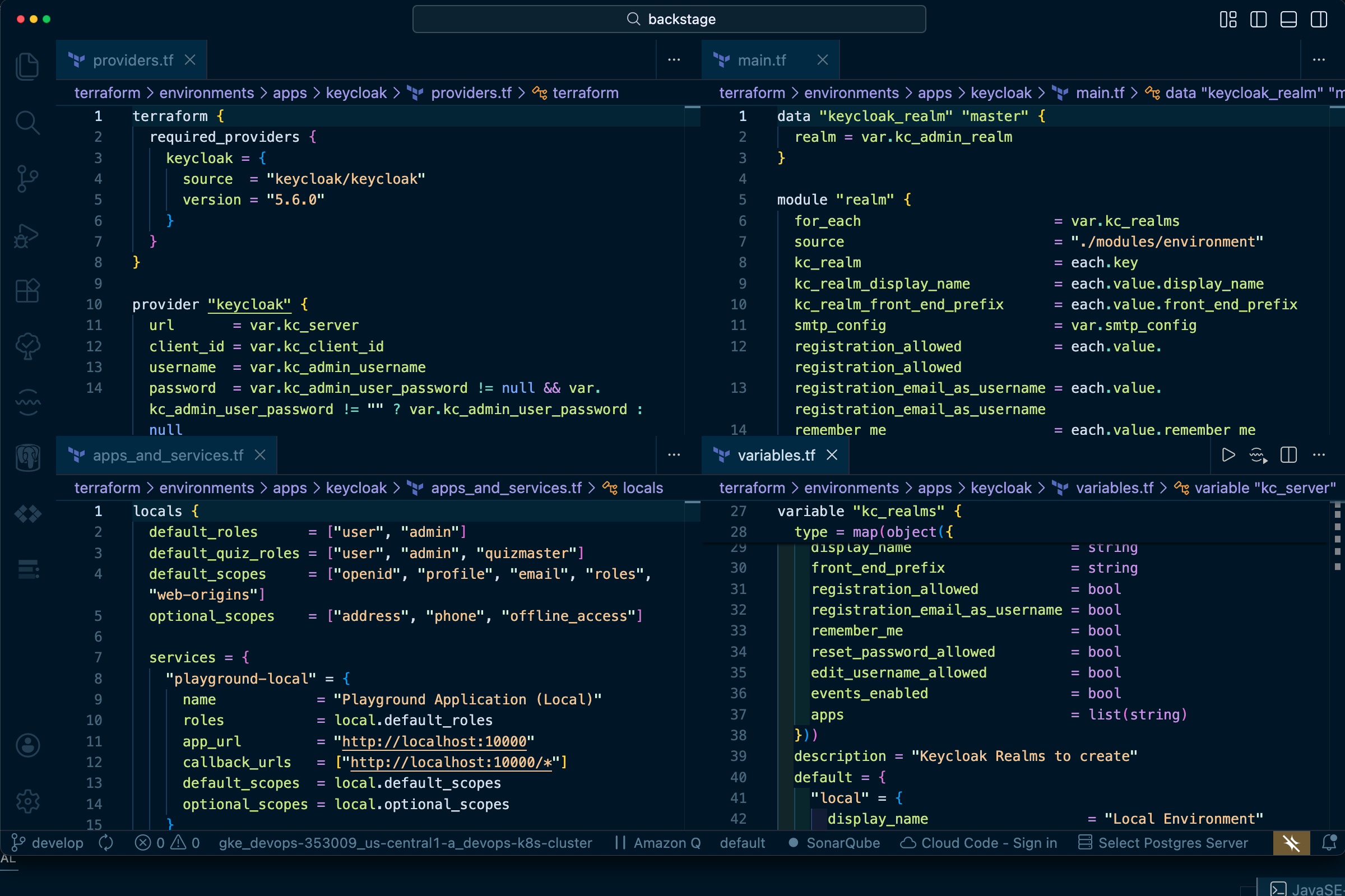
Automate KeyCloak OIDC Authentication / Authorization Realms, Clients and App configuration with Terraform.
Guru Raghupathy, 16 April 2026
Identity and access management is too critical to be managed through manual UI clicks and scattered documentation. Organizations need their Keycloak infrastructure to meet strict security requirements: encrypted secrets, complete audit trails, peer-reviewed changes, and tested disaster recovery procedures. However, most teams manage Keycloak manually, creating gaps in security and compliance. Secrets end up in wikis or chat messages, configuration changes bypass review processes, and environment parity breaks down as manual changes accumulate. This blog presents a Terraform-based approach that brings Keycloak management into the same secure, auditable, GitOps-driven workflows used for application code—ensuring consistency, security, and rapid recovery across your entire service landscape.
The Perils of "ClickOps" in Keycloak Management
After installing Keycloak and logging into the admin console, you're faced with a dizzying array of options: realms, clients, roles, mappers, and security policies. The temptation is to configure everything through the UI, but this manual, UI-driven approach—often called "ClickOps"—quickly becomes a significant operational bottleneck and security risk:
- Configuration Drift: It's nearly impossible to ensure that your
dev,staging, andprodenvironments are identical. A small, forgotten change in one environment can lead to days of debugging. - No Audit Trail or Peer Review : Who changed a client's redirect URI? Why was a role mapping added? Without a version-controlled history, changes are untraceable and bypass the peer review process that is standard for application code.
- Disaster Recovery Nightmare : If a Keycloak instance is lost, how do you rebuild it exactly as it was? Manual reconstruction from memory or outdated documentation is slow and error-prone.
- Security Gaps : Sensitive information like client secrets or SMTP passwords often gets shared insecurely through chat messages or stored in unencrypted documents, creating a significant security vulnerability.
The Solution: Managing Keycloak with Terraform and GitOps
The solution is to treat your Keycloak configuration as code, embracing the same GitOps principles used for modern application and infrastructure deployment. By defining your entire Keycloak setup—from realms to clients—in Terraform, you gain a secure, repeatable, and auditable workflow. Every change is codified, submitted as a pull request, peer-reviewed, and automatically applied. This brings your IAM infrastructure into a state of complete, version-controlled clarity.
Keycloak Manager : An Open-Source Terraform Framework for Keycloak
To make this process straightforward, we have created and open-sourced the Keycloak Manager, a collection of Terraform modules designed to manage Keycloak resources declaratively. You can fork it from our GitHub Repository at Keycloak Manager. This that provides a production-ready framework for managing your identity infrastructure as code.
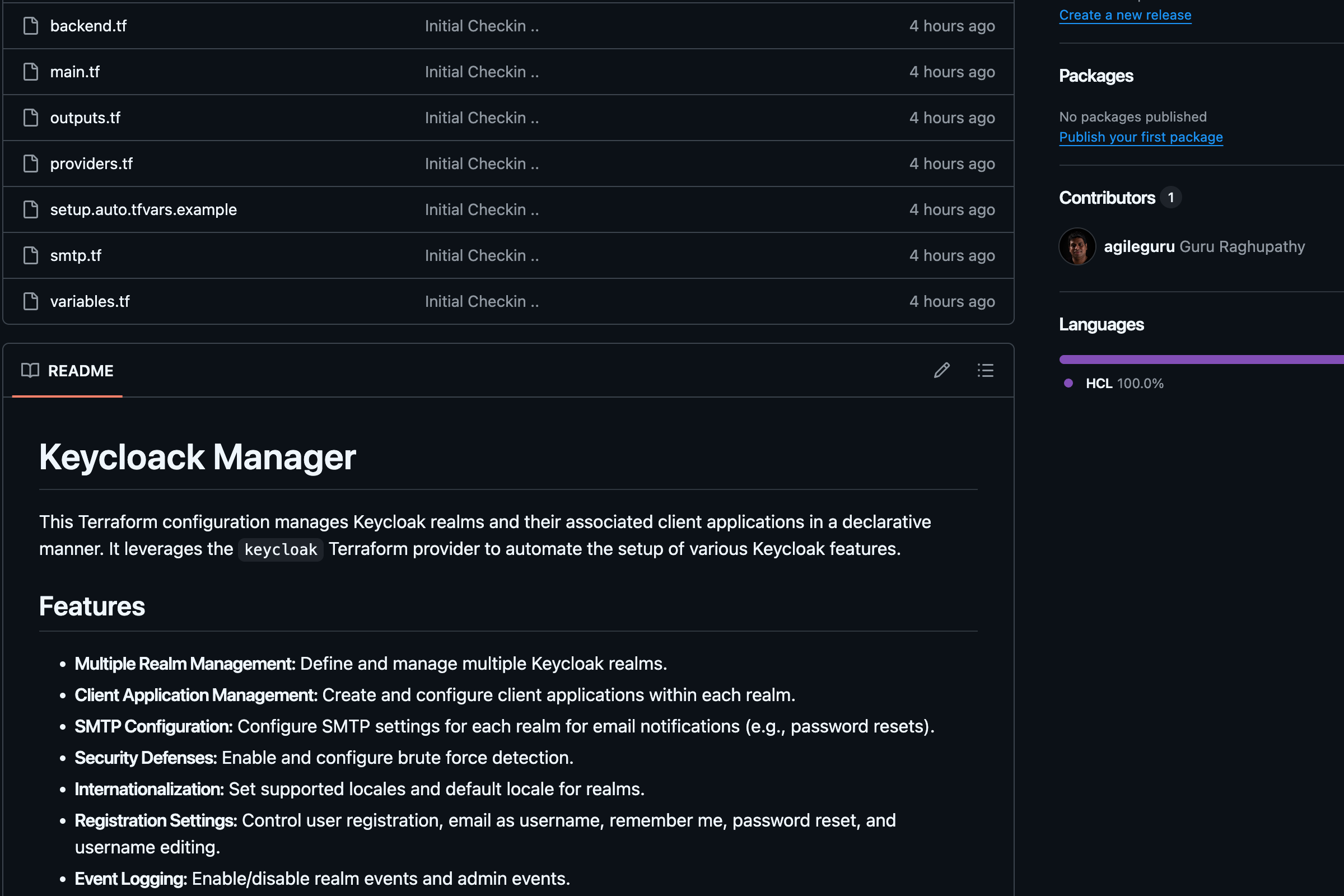
Guide On Managing your Keycloak server with Keycloak Manager
Prerequisites
- Terraform CLI : Version 1.0 or higher.
- Keycloak Instance : A running Keycloak server accessible from where Terraform is executed.
- GCS / S3 Bucket : A Google Cloud Storage / S3 bucket for storing Terraform state.
- Keycloak Admin Credentials : An admin user with sufficient permissions to create realms and clients.
Configuring and applying the changes
-
Configure the Backend and Provider:
First, configure the Terraform backend to store your state securely. We'll use a GCS bucket.# backend.tf terraform { required_providers { keycloak = { source = "mrparkers/keycloak" version = "4.3.0" } } backend "gcs" { # <-- Or "s3", "azurerm", etc. bucket = "your-gcs-bucket-name" prefix = "keycloak/state" } }Next, configure the Keycloak provider itself. Create a
setup.auto.tfvarsfile from the example and populate it with your Keycloak server details.# setup.auto.tfvars keycloak_url = "https://keycloak.your-domain.com" keycloak_client_id = "admin-cli" keycloak_admin_user = "admin" keycloak_admin_password= "your-admin-password" # Use a secret manager in production! -
Define Your Realms and Applications:
- Rename
setup.auto.tfvars.examplefile in the root directory tosetup.auto.tfvarsor set the correct values with the correct credentials. - Customize
variables.tffile in the root directory for the required realms. - Customize
smtp.tffile in the root directory for email / SMTP configuration. - Customize
apps_and_services.tffile in the root directory for the required applications and services. - The framework uses a map-based approach to define your infrastructure.
- In
variables.tf, you define the realms you need.
- Rename
-
Initialize Terraform :
terraform init -
Review Plan :
terraform plan -
Apply Changes :
terraform apply -
Outputs
access_sanity_check: A string confirming successful connection to Keycloak and displaying the master realm's name.all_environment_realm: A sensitive map containing details of all configured realms.
Modules
This configuration uses the following core modules:
modules/environment: Manages the creation and configuration of a single Keycloak realm, including its SMTP settings, security defenses, and event logging.modules/apps: Manages the Keycloak OIDC clients (applications) within a given realm. It handles everything from client IDs and secrets to redirect URIs and access types.
Conclusion
By adopting a GitOps-driven approach with Terraform and the keycloak-manager solution, you transform Keycloak administration from a manual, risky task into a secure, automated, and scalable process. This methodology provides a single source of truth in Git, enabling peer-reviewed changes, consistent environments, and robust disaster recovery. You eliminate configuration drift, enhance your security posture by managing secrets as code, and empower your teams to manage identity infrastructure with the same rigor and confidence as application code. Ultimately, treating your Keycloak configuration as code is not just a best practice—it's an essential step toward building a truly resilient and secure software delivery ecosystem.
Author : Guru Raghupathy , 16 April 2026